SmartFaces
Here at Smartfaces, design is a key element, we create a mixture of elegant photo realistic smart faces and some digitally created using just elements within watchmaker.
Watchmaker is a 3rd party app available on play store which you will need to download in conjunction with any Smartfaces you purchase and download.
Real textures
Here at Smartfaces it is our goal to create stylish and realistic dials. Now and then we will step out of those boundaries but with the photo realistic dials we photograph actual items to achieve the textures and then layer them up in editing apps to add depth and light.
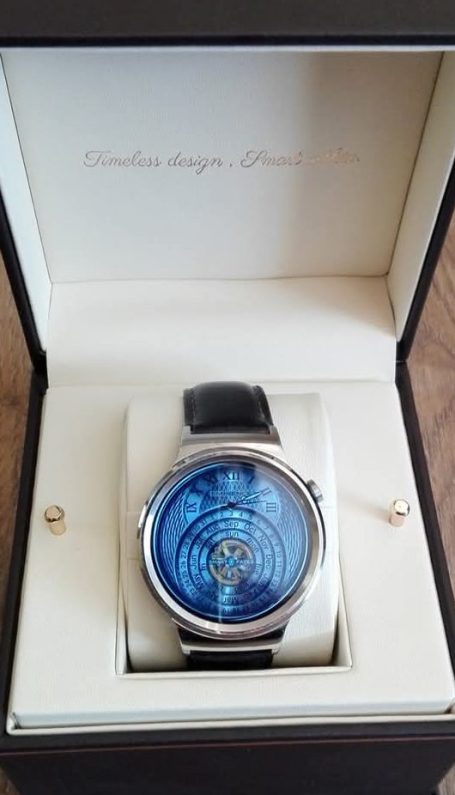
We've used Eminence Angel here as an example of the textures we pride ourselves on and have shown how translates from a digital image to the watch itself, we are using a Huawei Watch 1 and we hope this photographic demonstration shows what we are going for at Smartfaces, timeless elegant design for your wrist while letting you maintain full functionality of a smart watch.

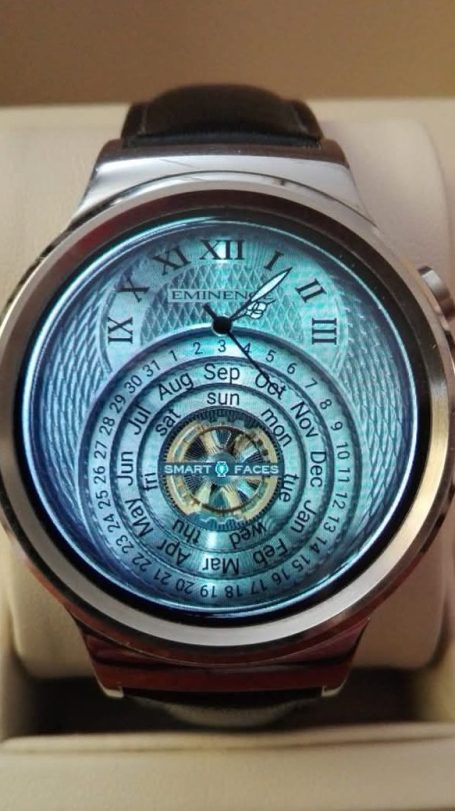
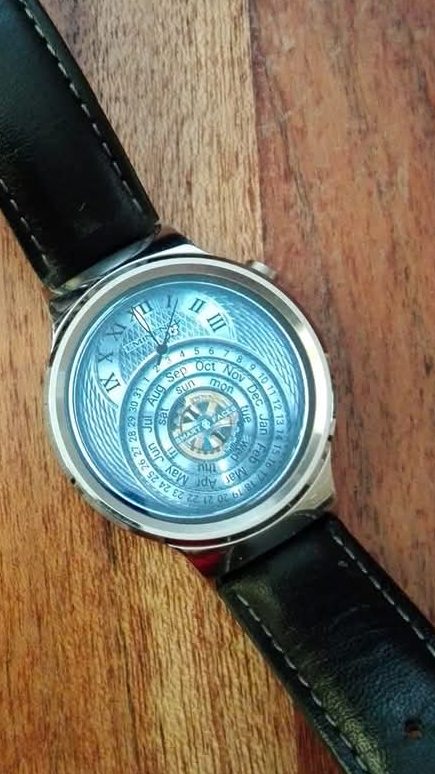
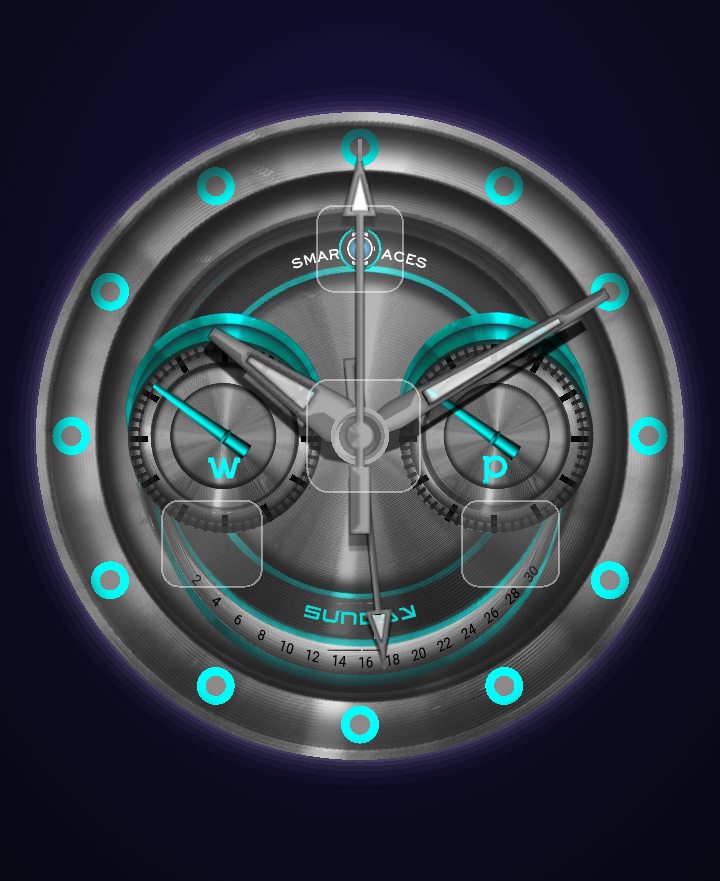
Most of the watch faces have hidden buttons to reveal more functions
Load up the Watchmaker app on your phone or tablet and familiarise yourself with the extra functions of each watchface before uploading to your smart watch. When the watch loads in interactive mode you will see where the buttons are and what they do, you can also view the watch in sleep mode, or it's lume mode
1. Find your style
Browse through our extensive range to find your style and the Smartfaces faces you want to wear on your smartwatch
2. Make your purchase
Add as many Smartfaces into your shopping cart, once purchase is completed you will get a download link for the watch faces you purchased
3. Download to device
Download the purchased watcfaces to your device.
You will also need to download Watchmaker app from Play store.
Click import in the Watchmaker app.
4. Upload to your smart watch
Once you have imported your watches into the Watchmaker app, please use this time to familiarise yourself with the watches functionality, then upload to your watch and wear on your wrist
Smart screens
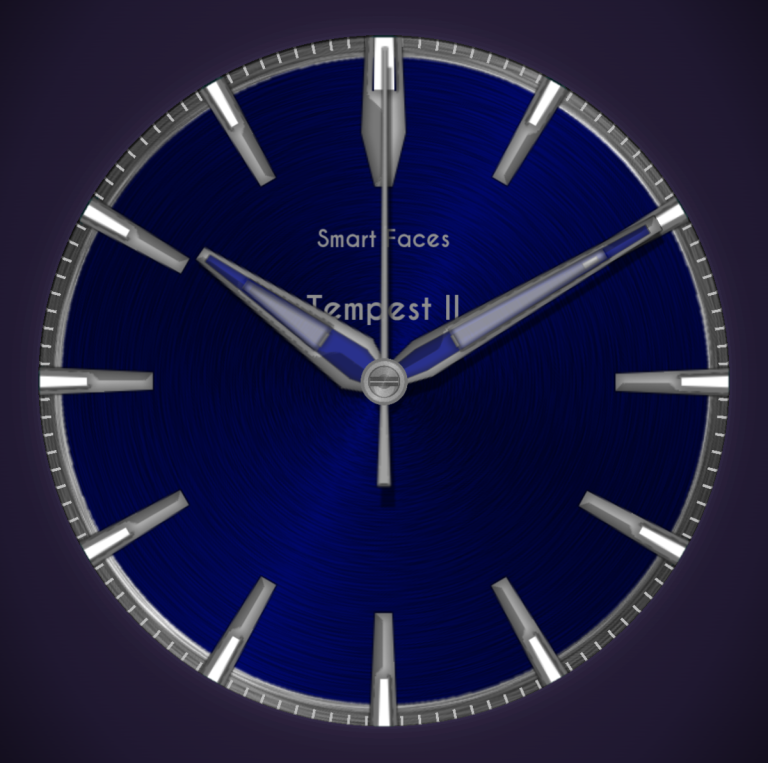
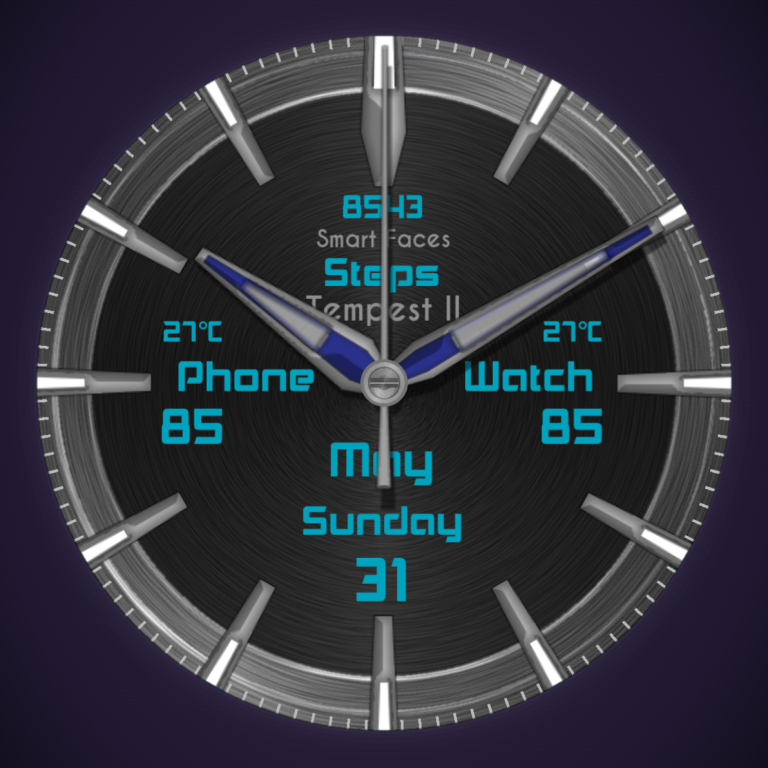
Pressing the center of the watch activates the smart screen as seen in the bottom picture.
With this activated the user can see more detailed information of the day and date as well as battery levels in both watch and phone, some of the smart screens go much further with the information they display.
A simple repress of the center of the dial will close off the smart screen to leave a traditional looking watch on your wrist.